Well, this is a bit open ended... I had a tough time deciding...
Word Clouds?
I was unable to access the recommended Wordle, but after a Google search I found many more, I assume equally as good, options for making word clouds. I must say that I loved playing with Tagexdo.
I have recently completed a report for my work that was about innovation in the central Queensland resource region, it's often hard to find graphics for these sorts of reports, so i put the executive summary into Tagexdo and produced the graphics below...


Both word bubbles were created using Tagexdo.
After having a look through some of the key words I could really see how the application of this could be used by students to explore the main ideas of a piece of work, report or paper to get an overview of the content, particularly for global learners to get the bigger, overall picture before undertaking the reading of the piece.
It could also be used by students to identify the main ideas of their own work, as a way of checking that they are on task with regard to what they ware trying to talk about or to combine with other presentation media to give their written work more visual impact. One other nice feature of Tagexdo is that you can make it interactive and the words 'pop' out as you run the mouse over and these can be linked. Students could use this as a menu as such for other works to navigate around a web site, wiki, prezi or even an interactive PowerPoint, to name a few...
But... I must say that for my "other technologies" category, I did like Google Earth (which is linked with Google Maps)
Google Earth
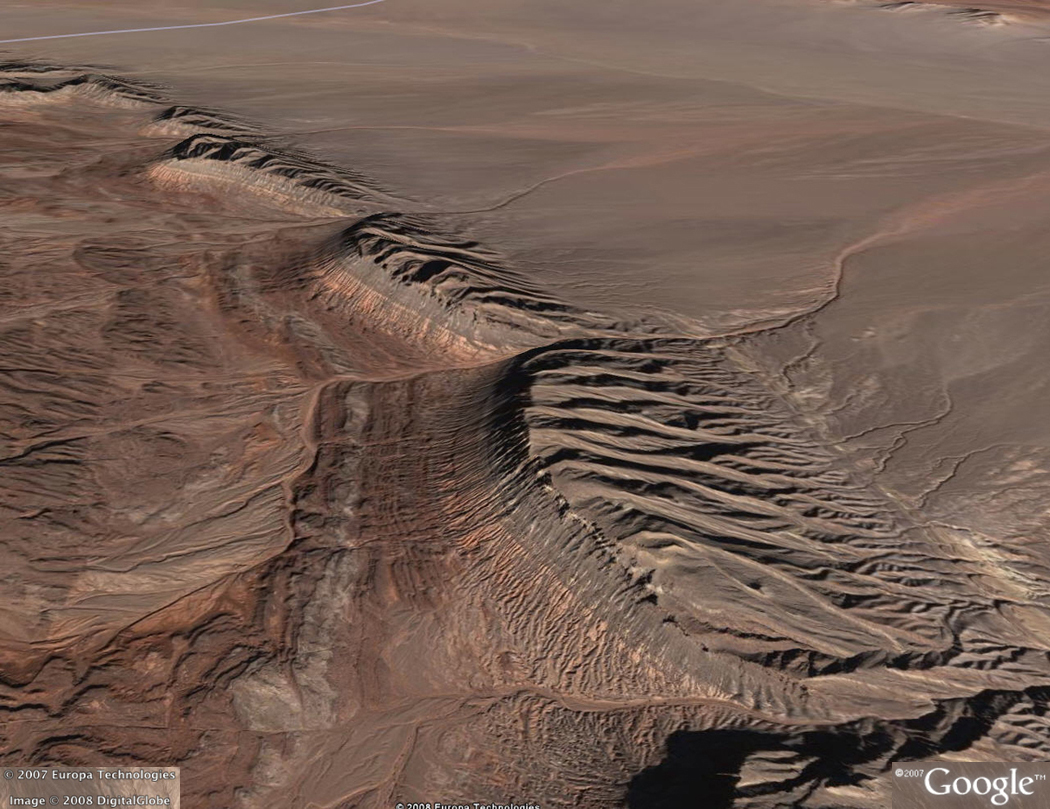
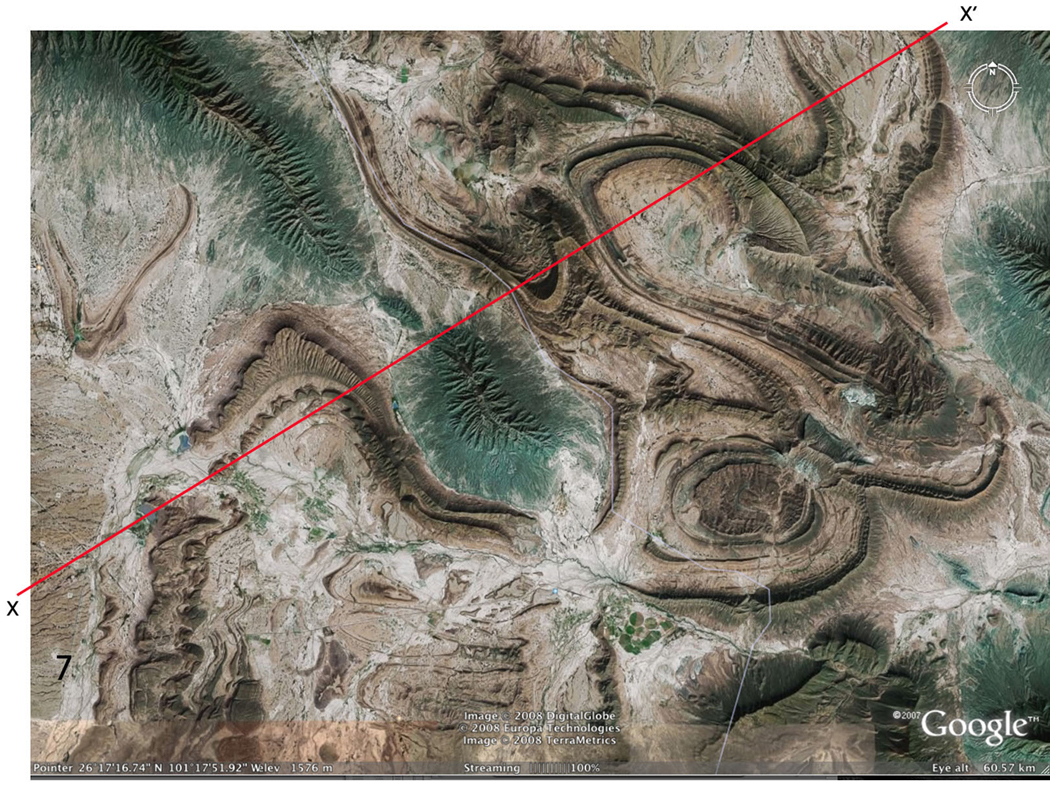
I personally love Google Earth and did so before I began to explore it for teaching purposes. And after I looked into it as a teaching tool, I personally found it even more exciting. I think that if I am going to teach a subject and I can be excited about it, I will be able 'infect' my class with the same enthusiasm that I have. And Google Earth is great at doing this.One new aspect that I discovered when I looked into Google Earth was links to lessons and resources designed for teachers, in a variety of subjects area. Bonus!! One that I explored in detail was for "Teaching Structural Geology". This site already has the background work done with place marks available to download which show various geological structures from around the globe and comes with a "how to teach" guide that, although being American based, can be applied to the Australian Curriculum units of work in science and geography. It is great that a resource like this is available to scaffold the learning of a global lesson in a global (literately) context. Before zooming back to earth to stimulate further learning, for visual/spatial, naturalistic and logical learners (like me). It can also be used for an individual journey or a group journey catering for the individualisation of learning for both interpersional and intrapersional learners.
How else could you explore "doubly plunging anticline near Chahar Gas, Iran" before zipping off to see "folds in Coahuila, Mexico????


I would be amiss if I didn't truly consider this technology in the class room... Since I have fairly much covered the "P" and the "I" of a PMI, the downsides (minus') should also be discussed. Hard to think of any actually... The usual concerns of the availability/accessibility of the downloaded program to school computers might be an issue (but the iPad app, which I also love, would possibly get past this) and then it's only Internet connection and speed that might interfere with the learning journey.

No comments:
Post a Comment